

#004 — uWebSockets.js Security + React Performance Tracks
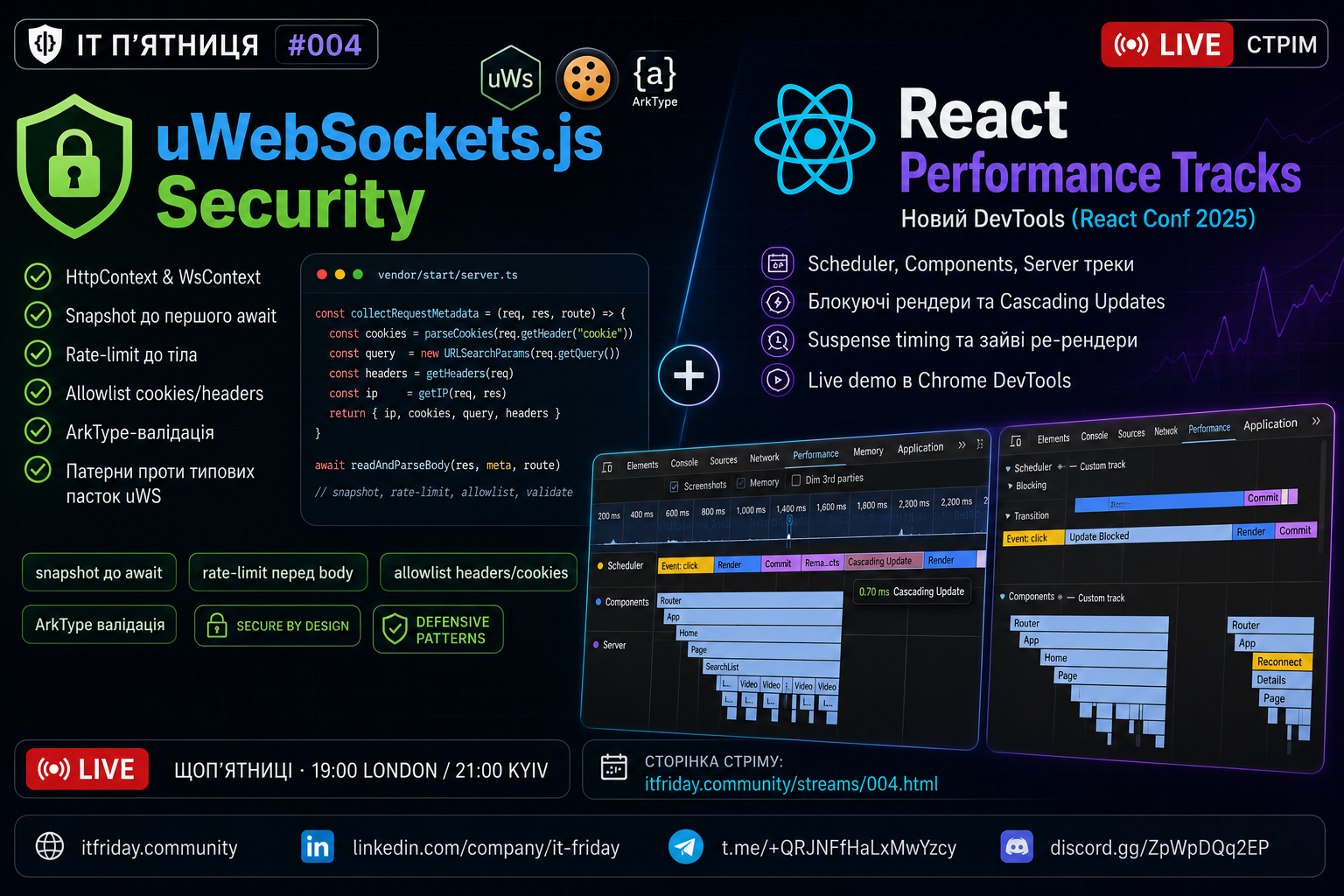
Date: June 5, 2026 | 19:00 London / 21:00 Kyiv
Format: Two talks · ~175 min
Guest: Oleksandr Blazheiko
YouTube: https://youtube.com/live/Pad_b_yQyt8
Participants
Oleh Levchenko — Senior Full Stack JavaScript Developer (React / Node.js / AWS)
The AA · Cardiff, UK
YouTube @zloyleva · itfriday.community
Oleksandr Blazheiko — Software Development Engineer · Fullstack, 7+ years of experience
Ukraine
LinkedIn · itvibe.party
Building itvibe.party — a platform combining chat, a real-time AI translator, and a personal AI teacher. Second stream in a row — this time going deeper into secure uWS patterns.
Key Takeaways
Talk 1 — uWebSockets.js Security · Oleksandr Blazheiko
- One principle for both transports:
raw → snapshot → validate → context → handler - uWS axiom:
reqis only valid until the firstawait— the entire pipeline works with a snapshot (collectRequestMetadata), not the original object - Cookie allowlist:
COOKIE_NAME_PATTERN+COOKIE_VALUE_PATTERN— invalid cookies are silently dropped without a 400; a broken session cookie makes the request anonymous - Header allowlist: protection against CR/LF injection (response splitting / request smuggling); the
cookieheader is intentionally excluded from the headers Map - Rate-limit BEFORE body: synchronous, before
res.onData()— if youawaithere, uWS may deliver the body before the handler is registered, hanging the request forever - HTTP validation pipeline: rate-limit → query (flattenQuery + ArkType) → 415 / 413 → body validation → HttpData assembly → middleware (session/auth) → handler
- WS pipeline: handshake token (Sec-WebSocket-Protocol) → Redis verify (two-step: ws-token TTL 120s + session) → per-message: envelope → session TTL → per-route payload
- ArkType through a single
Validator<T>interface: body, query, URL params, WS envelope, WS payload — one engine for all - WsContext without session/auth by design: auth happens once at handshake, identity lives in
userData;sessionis passed as an argument but intentionally ignored (_session) Object.freeze({...payload})— immutable WS payload snapshot in the handler
Talk 2 — React Performance Tracks · Oleh Levchenko
- React Conf 2025 announced Performance Tracks — React's own tracks right inside the Chrome DevTools Performance panel
- Under the hood: Chrome Performance Extension API (
console.timeStamporperformance.measurewithdevtoolsmetadata); any library can add its own tracks - Three track groups: Scheduler (Blocking / Transition / Suspense / Idle), Components (flamegraph), Server (dev + RSC only)
- Scheduler track: shows Update → Render → Commit → Remaining Effects; Blocking = synchronous work from user interaction; Transition = background work via
startTransition() - Cascading updates appear as nested blocks — React discards already-completed work and starts over; dev build shows a stack trace with component name and triggering method
- Components track: render flamegraph; Changed Props Inspection — click any component to see which props changed (answers "why did this render?")
- Server track: Promises in RSC + Server Components flamegraph; fetch requests are aggregated by function name instead of showing hundreds of individual spans
- Profiling build:
react-dom/profilinginstead ofreact-dom/client— Scheduler + Components without Server track; much closer to production performance - Enable it: DevTools → Performance → Settings → "Show custom tracks"
- Old React DevTools Profiler — for a quick "who's re-rendering unnecessarily"; Performance Tracks — for real lag diagnosis in the context of network/JS/layout
Timecodes
To be added after the stream.